
You can create a new support ticket by choosing the "submit a request".
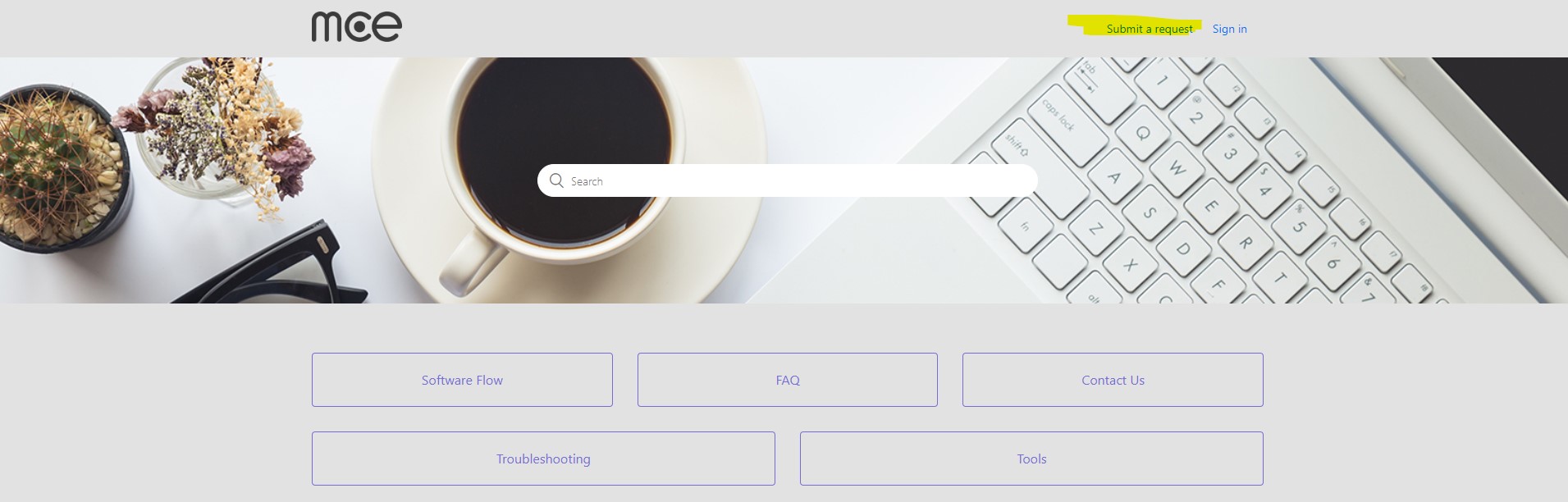
In your request please try to provide us with as much information as possible:
1. email address: the address you wish to be contacted at.
2. Subject: provide a short description of your issue or request
3. Descriptio: Describe the issue, as detailed as possible. Describe your issue, what is happening, what are the steps to reproduce, screenshots of the issue, etc.
4. Store ID/ Store Name: Details regarding your store - dealer/corporate, company name, phone number, email, etc.
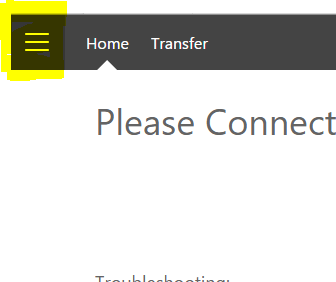
5. Product key (and About info, if available) - can be located in the software's 'burger' menu (3 lines, top left corner), choose "About" and use the "copy info" button to copy the product key information.
6. Contact Phone: Provide one or more phone numbers in which we can reach you.
7. External Reference #: please provide your internal issue ticket number if applicable (corporate customers only).
These details will assist your customer care expert to provide you with a swift and effective solution
Comments
0 comments
Article is closed for comments.