
IMPORTANT:
The USB hub needs to be connected to BOTH power AND the PC
The USB hub and software will not function properly if the power supply is not connected to the outlet and the USB hub
If the proper power supply is not connected to both the wall and the USB hub:
- It will transfer data slowly
- Devices may not be reliably recognized
Make sure that the power supply is connected to a working outlet, that it's the hub's correct power supply, and that the cable is plugged into the USB hub.
You can test if the USB hub is receiving power by unplugging everything from the hub, reconnecting only the power plug, and seeing if the light turns on.
Once a device is recognized, you can select the Diagnostics icon.
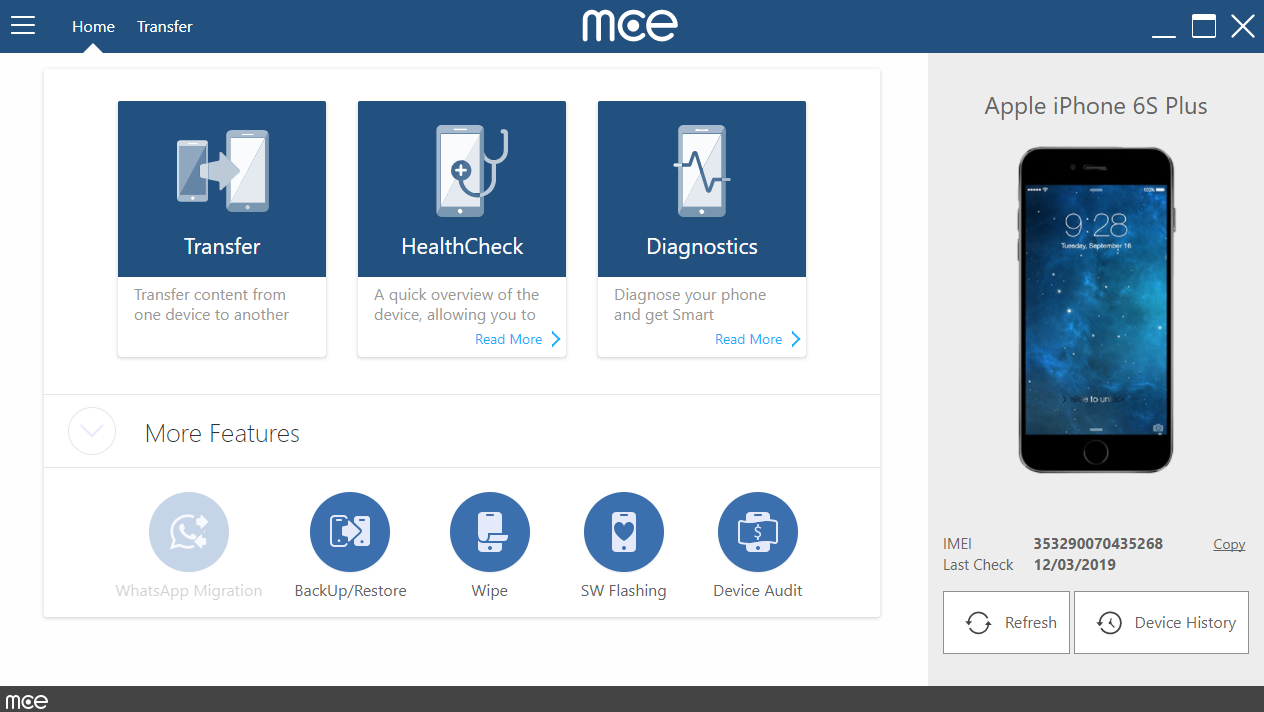
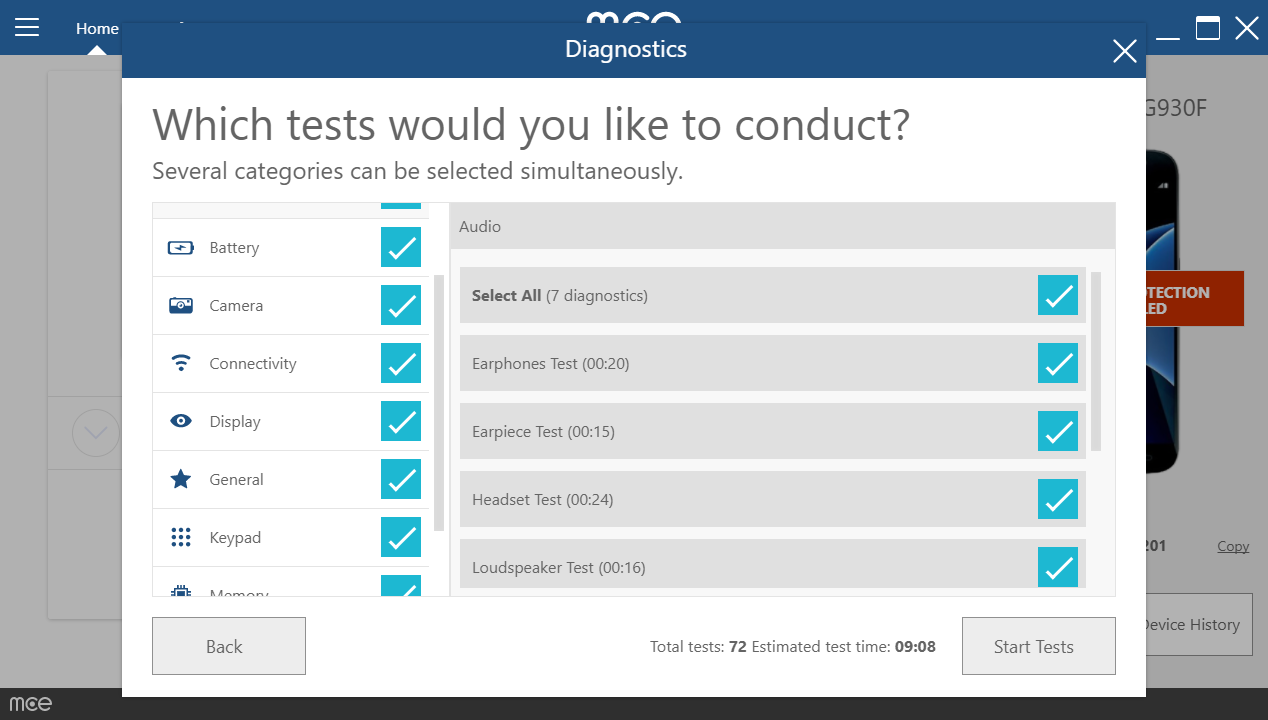
To get started select the specific tests or full categories of tests you wish to conduct and press “Start Tests”.
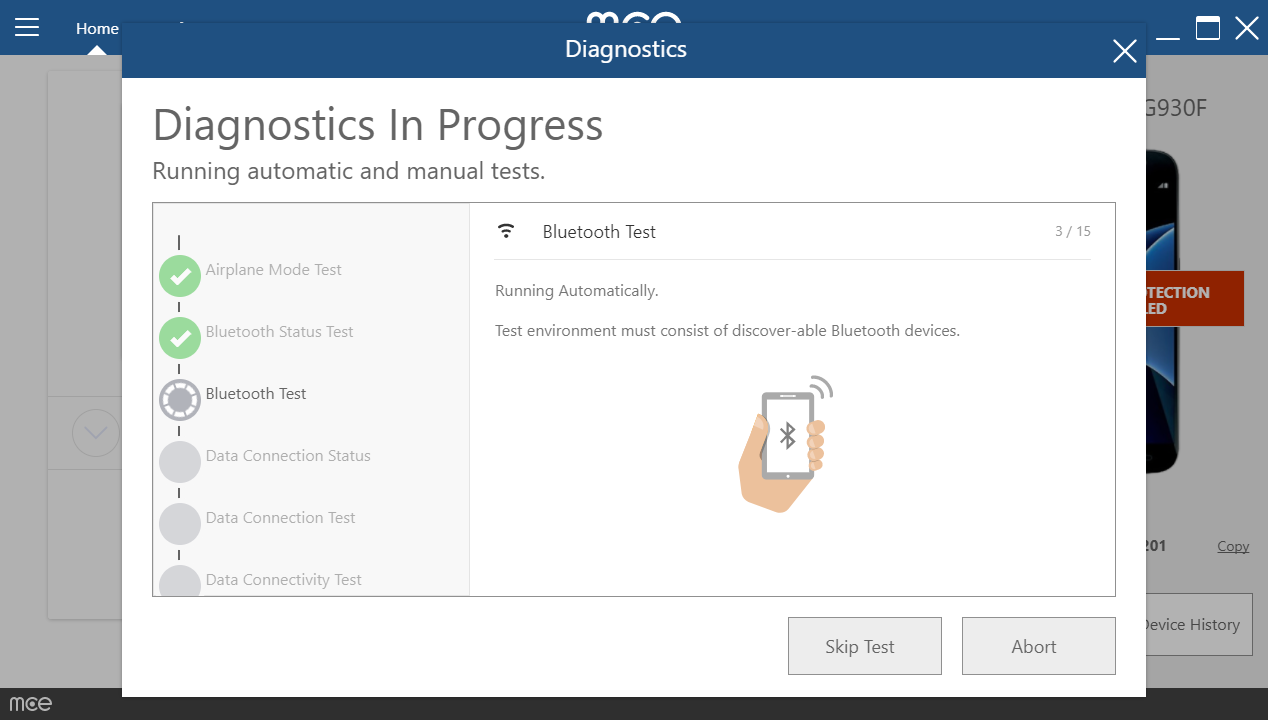
During the tests, leave the device on the desk uninterrupted, unless otherwise instructed by mce.
Some of the tests are completely automatic, some require actions from you, and some require your help to determine whether or not the test was successful.
During the testing session you may Skip a test or Abort the testing cycle.
Once testing is complete, a Transaction Report will appear, indicating test results and values; in this screen you may Retry any failed and skipped tests as well as generate a report presenting the information that you see in the Transaction Report.

Comments
0 comments
Please sign in to leave a comment.