
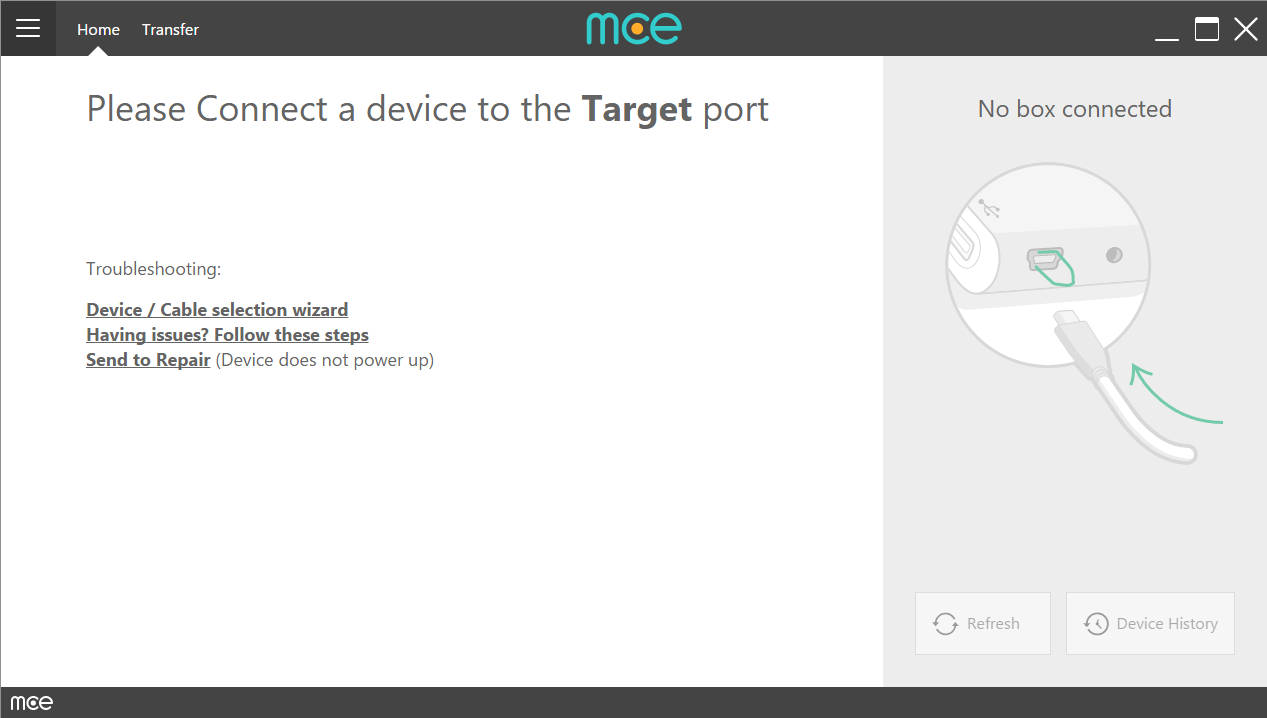
When your mce box is connected to the computer, but the software states that No Box Is Connected.
IMPORTANT:
The USB hub needs to be connected to BOTH power AND the PC
The USB hub and software will not function properly if the power supply is not connected to the outlet and the USB hub
If the proper power supply is not connected to both the wall and the USB hub:
- It will transfer data slowly
- Devices may not be reliably recognized
Make sure that the power supply is connected to a working outlet, that it's the hub's correct power supply, and that the cable is plugged into the USB hub.
You can test if the USB hub is receiving power by unplugging everything from the hub, reconnecting only the power plug, and seeing if the light turns on.
1. Please try to reboot your computer
2. Is your mce box connected directly to the computer via an operational USB cable?
If not, please make sure that it is.
3. Please disconnect your mce box from all cables. First disconnect the power cord\AC adapter.
Was the issue solved?
If so, please escalate this issue to receive support.
If not, disconnect the USB cable, wait for approximately 30 sec. and reconnect it again.
4. Please try all the USB outlets on the computer (including the port used for mouse\keyboard).
Did it solve the issue? If so, this means that the USB port that the hub was connected to is faulty.
5. Do you have another computer where mce's software is installed?
If so, please try to connect the box in question to it. If it solved the issue, please try to re-install the software as it will probably solve the issue.
6. Do you have another mce box?
If so, please try to connect it to the computer. If it had solved the issue, please escalate this hardware issue, so that your mce box could be replaced.
Comments
0 comments
Please sign in to leave a comment.